> ## Documentation Index
> Fetch the complete documentation index at: https://docs.tela.com/llms.txt
> Use this file to discover all available pages before exploring further.
# Publishing a version
To utilize a Canvas through the API or within an App, it is required to publish a version of your Canvas.
To publish a version, navigate to the top right corner of the application interface.
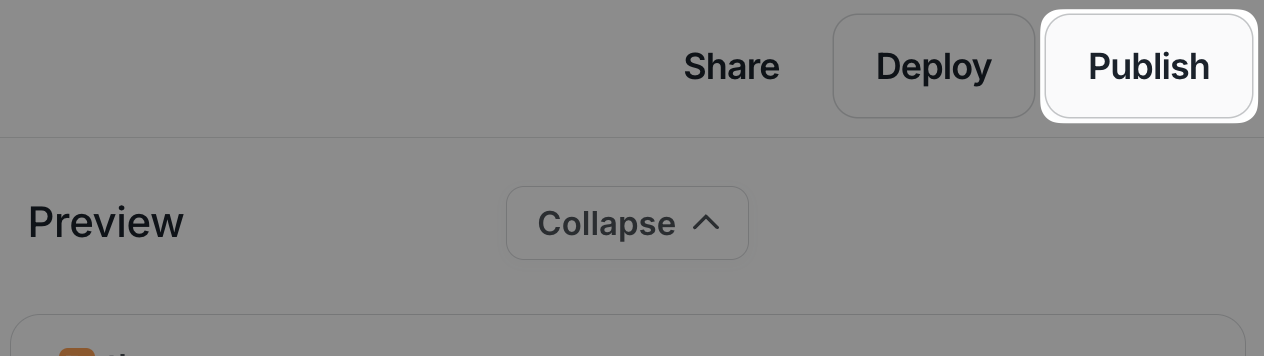 Publishing a new version will overwrite the current published version.
## Going back to a previous version
If you need to go back to a previous version of your Canvas, you can click the version selector on the top left corner of your Canvas page.
If you have already published a version, this version will be marked with the tag `Production`.
Publishing a new version will overwrite the current published version.
## Going back to a previous version
If you need to go back to a previous version of your Canvas, you can click the version selector on the top left corner of your Canvas page.
If you have already published a version, this version will be marked with the tag `Production`.
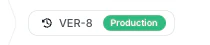 Clicking on this component will open a list with all your Canvas' versions.
Feel free to click other versions in order to see how your Canvas evolved through time.
Every version is saved and you can always go back to your published version or publish a different version if needed!
Clicking on this component will open a list with all your Canvas' versions.
Feel free to click other versions in order to see how your Canvas evolved through time.
Every version is saved and you can always go back to your published version or publish a different version if needed!