

What runs
A schedule never runs your work in progress. It runs what you published, and it looks up the version at the moment each run starts.
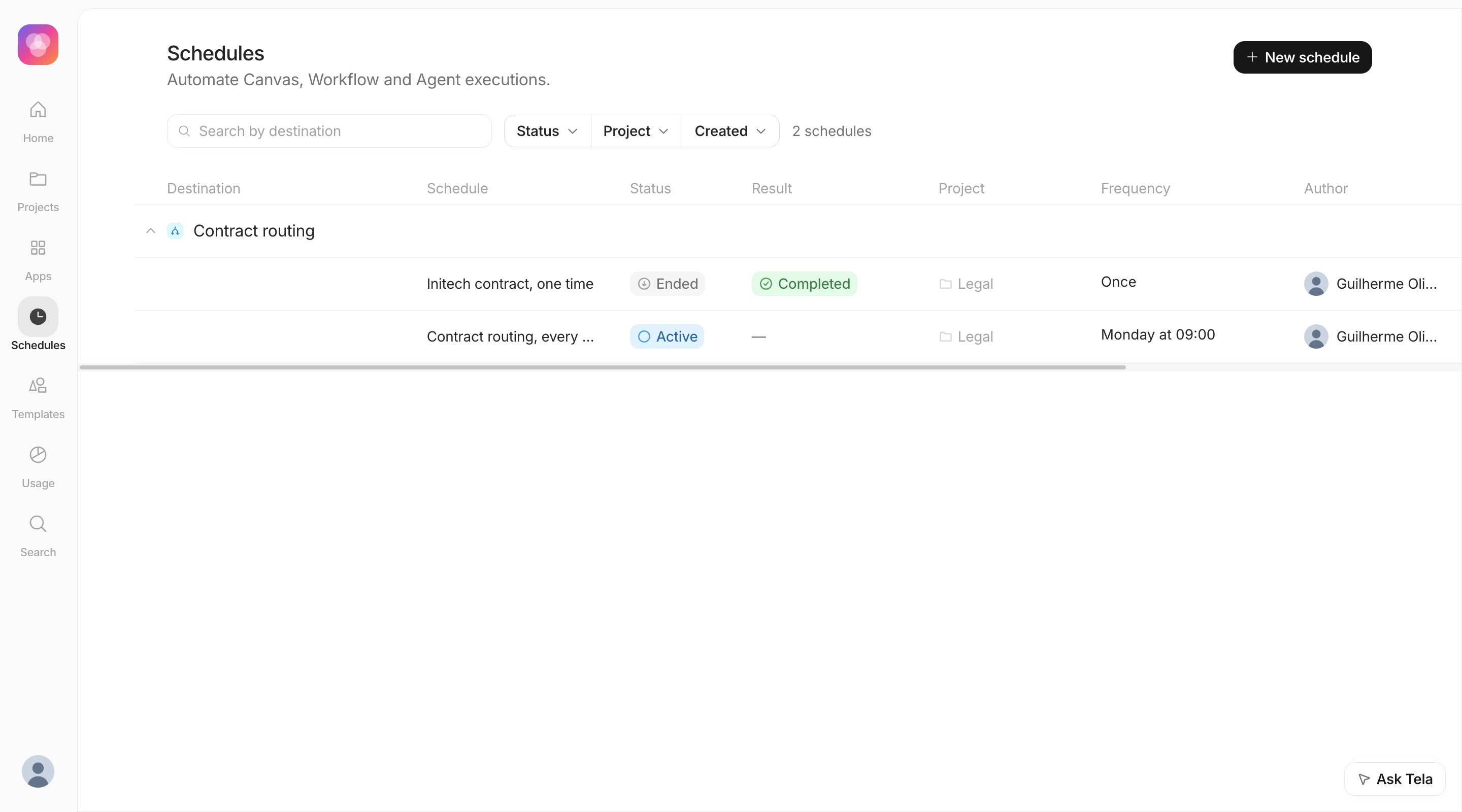
This has a consequence worth remembering: publishing a new version changes what every existing schedule of that Canvas, Workflow or Agent runs next. A draft, an older version in the history or a version published only to another environment is never scheduled. A destination with no Production or published version does not appear in the list at all.
Where to find schedules
- Schedules in the left sidebar lists every schedule of the Workspace and is where you create them.
- The
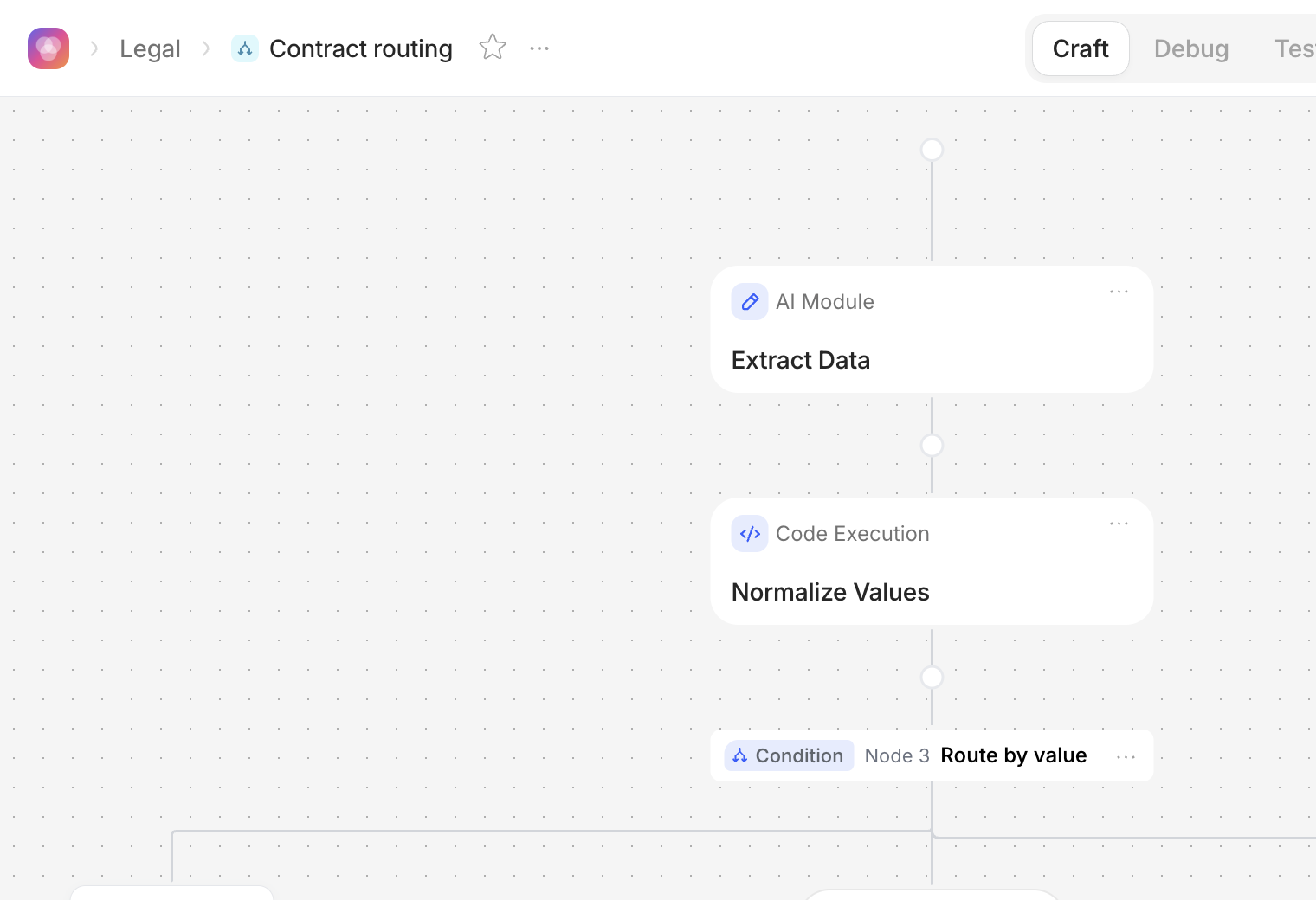
…menu next to the title of a Canvas, Workflow or Agent has a Schedule option that opens the same form with the destination already chosen. When the destination is not published yet, the form asks you to publish first.
What a run looks like
Each time a schedule fires, Tela creates a normal run of the destination and records it in the schedule’s History. You follow the result where you follow any other run:- Canvas and Workflow: in Usage, with the source Schedule. A Workflow run also appears in Debug.
- Agent: as a session in Usage.
Every run spends credits like a run started by hand. A schedule that fires every minute is a lot of runs, so pick the slowest frequency that does the job.
In this section
Creating a schedule
Fields, frequencies, time zone, who can see it and the inputs of each run
Managing schedules and history
Statuses, pausing, editing, deleting and what to do when a run fails